
Closed eyes
Borrow open eyes from another frame while keeping the same pose, clothes, and light.
AI group photo repair
Upload 2 to 3 similar shots. SnapMerge builds one natural photo with better expressions.
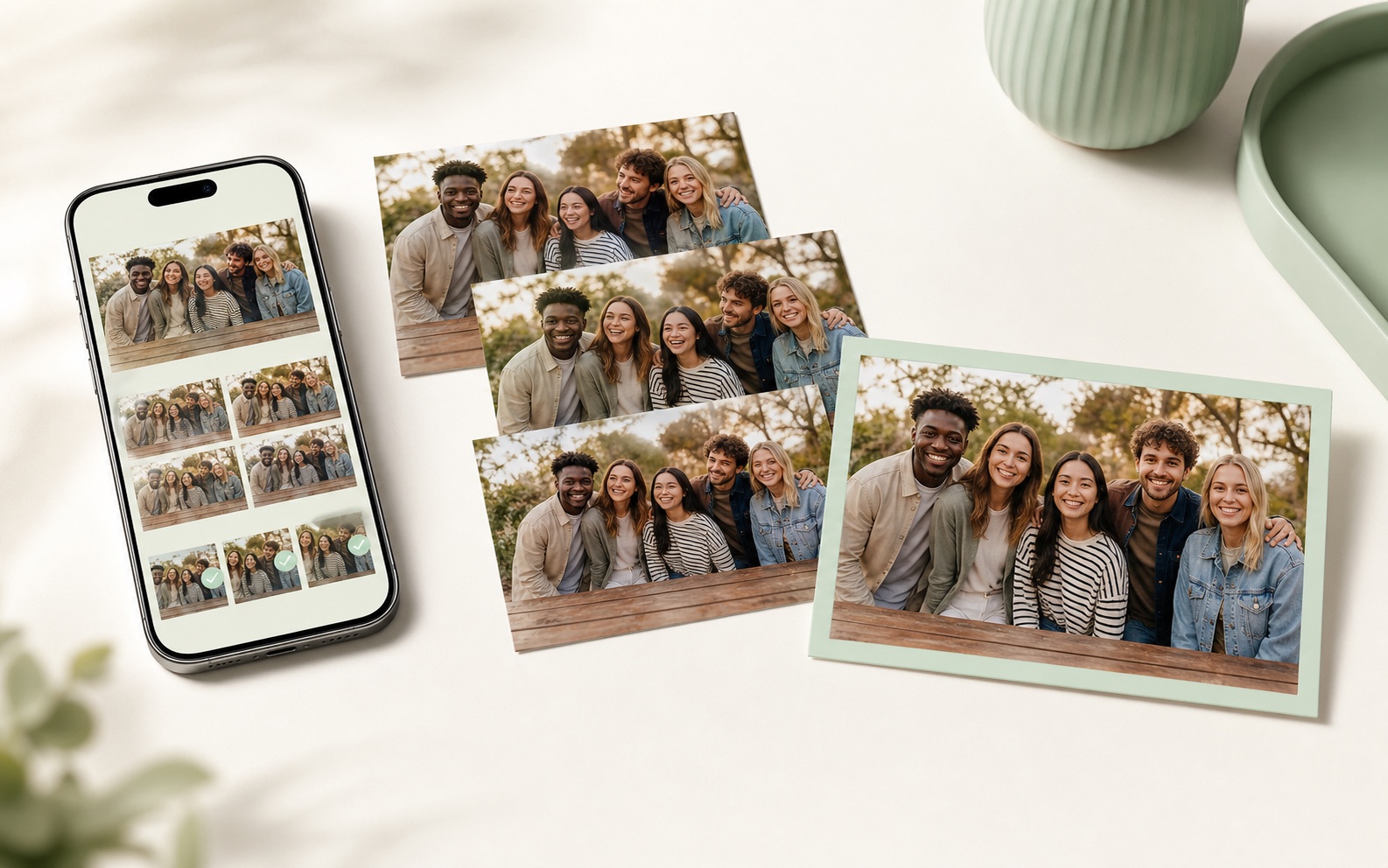
Drop in near-matching frames. SnapMerge compares each person's real expressions and returns one believable keeper.
Use 2 to 3 photos from the same moment. Each file can be up to 6 MB.
Empty slot
Empty slot
Empty slot
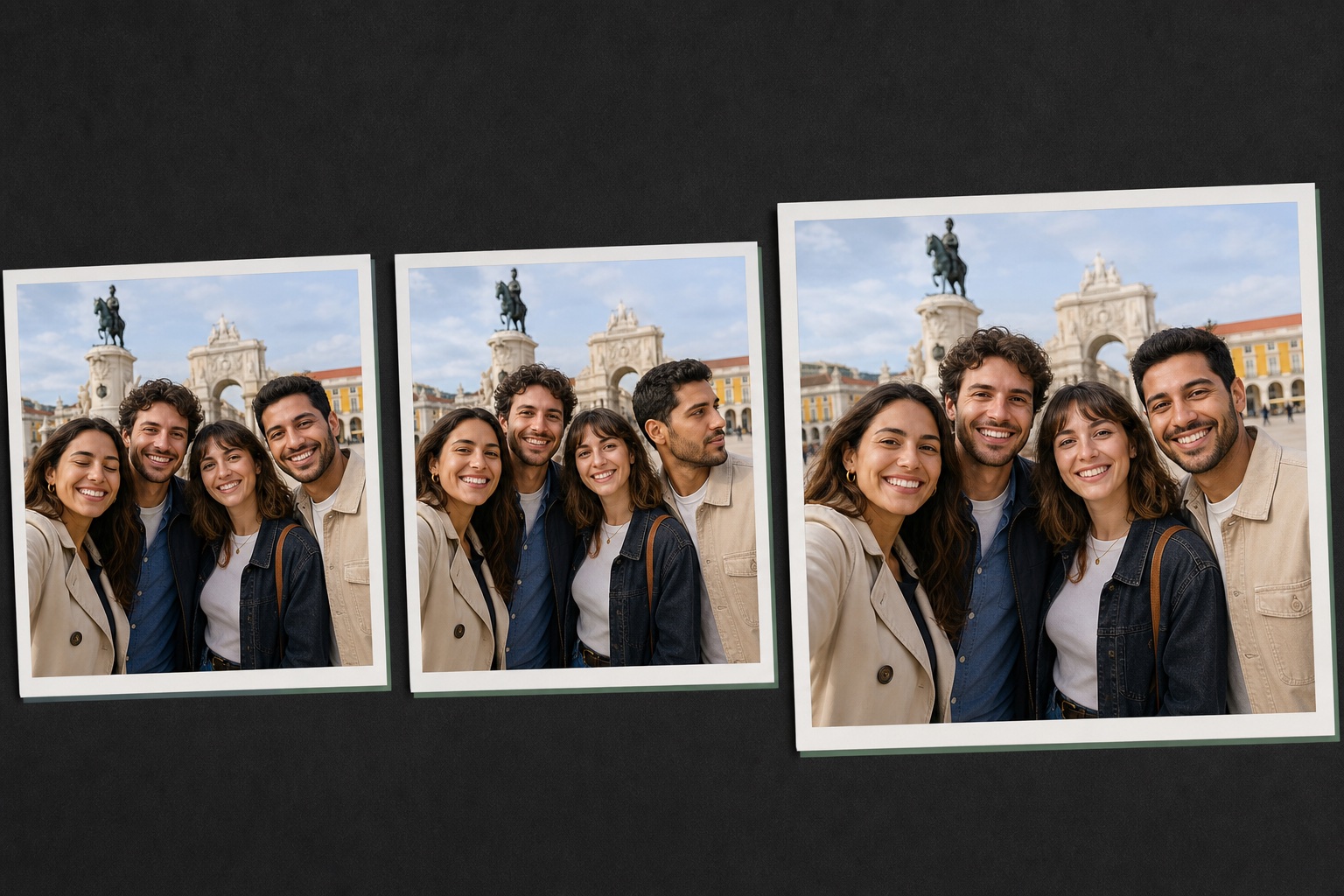
SnapMerge is designed for moments where the camera angle, lighting, and people stay mostly aligned.
Borrow open eyes from another frame while keeping the same pose, clothes, and light.
Replace one distracted expression without changing the people who already looked good.
Choose a different real source face for each person without redrawing the whole group.
The product works best when it does one job carefully: compare similar photos and produce one realistic final image.
Pick burst shots or photos taken seconds apart from the same camera position.
SnapMerge chooses each person's strongest real face and expression from the uploaded source frames.
Open the result, check high-detail areas, then download the final image when it looks right.
That is the trick. Similar framing lets SnapMerge align real source pixels without rebuilding the photo.
Keep the phone height, lens, and group position close across every source photo.
Avoid mixing photos where someone leaves, changes position, or blocks another face.
Photos from the same minute usually have matching shadows, color, and exposure.
Blinks, smiles, and slight head turns are ideal. Large pose changes are harder to merge cleanly.
Use SnapMerge for the everyday photo problems that usually make people choose the least bad shot.
Fix one blink without losing the relaxed expression everyone else already had.
Recover the keeper from landmark photos where one person looked away.
Clean up reception, party, and team photos before they go into a shared album.
Create one stronger frame from a short set of similar group shots.
The final image should still feel like your original photo, just with a better shared expression.
Age, face shape, hair, clothing, and body shape should remain consistent.
Lighting, lens feel, background, and group spacing should still match the source photos.
The best result is believable, not over-polished or changed into a new portrait.
Before sharing, inspect eyes, glasses, teeth, hands, hair edges, and overlapping shoulders.
Source photos are uploaded directly to private temporary storage, read into server memory for Best Take processing, and deleted after the attempt. A scheduled cleanup removes abandoned uploads. The merged result is stored temporarily behind a signed URL. Do not upload private IDs, sensitive documents, or photos you do not have permission to process.
Upload 2 to 3 similar photos from the same camera angle and scene. SnapMerge limits the first version to 3 for cleaner results.
Yes. When another source frame has the same person with open eyes or a better expression, SnapMerge can align and blend that complete real source face into the selected layout.
SnapMerge does not generate a new face. It transfers pixels from one of your uploaded frames and leaves clothing, bodies, hands, background, and already-good people on the selected layout frame.
Local face alignment works best when the camera angle, pose, lighting, and background are close. Burst photos and near-identical group shots are ideal.
No. A selected expression, including its eyes, cheeks, mouth, and visible teeth, comes from one real uploaded frame.
Try a tighter set of source images. SnapMerge skips face transfers when the detected scale or angle difference is too large for a reliable alignment.